
Home Services & Contractors
Job Costing & Labor Visibility
See which service calls are using more hours than planned.
Built for: Home-services and contracting businesses whose owners learn about overtime and thin-margin jobs from the payroll report instead of from the schedule.
Plan: Basic payroll and wage-summary visibility ships on Forge Core. Advanced payroll visibility and role-specific profitability dashboards require Forge Pro.
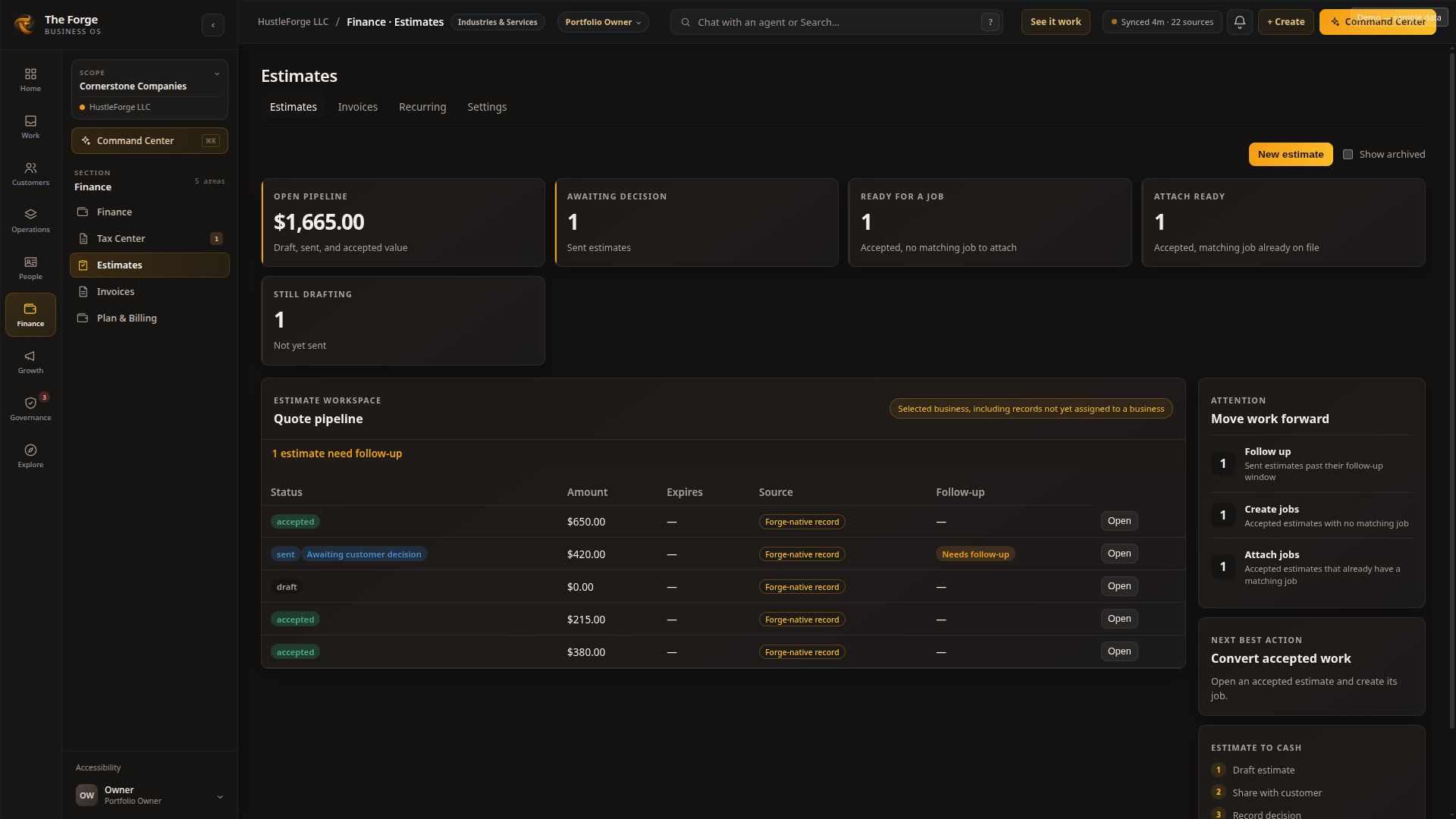
How does The Forge tie technician time and change orders to job profitability?
Recorded hours tie to the specific job, so time that doesn't match the work performed is visible before payroll closes. A change order raised in the field updates the job's scope and cost, notifies the office, and flows to invoicing automatically — so the completed job, including every change order, generates an accurate invoice and an accurate margin.
The problem
A second visit, an extra pair of hands or an unrecorded material purchase can change what a job earns. The Forge brings recorded labor and costs back to the job so managers can compare the work with the estimate and investigate differences during the week.
What it costs you
- A change order agreed to in the field never makes it to the invoice, so the customer is billed the original price.
- Drive time gets billed as labor, or hours are logged against a job that's already finished.
- Overtime accumulates all week and is discovered only when the check is already cut.
- Crew-level profitability is a spreadsheet someone rebuilds by hand, then rebuilds again next week.
How The Forge addresses it
- 1
Field to invoice
The crew documents the site with photos and forms, logs hours against the job, raises any change order with updated pricing, and completion flows straight into invoicing — no re-entry, no lost paperwork.
- 2
Change-order-to-invoice sync
An approved change order automatically updates the job's total and flows into the final invoice without office re-entry.
- 3
Overtime-threshold alert
A technician approaching a weekly overtime threshold triggers a notification to their manager before the hours are logged, not after payroll runs.
What managers can see
Crew profitability
Revenue against labor and materials by crew, job type, and location — calculated from actual hours, not what was quoted.
Overtime exposure
Scheduled versus recorded hours and overtime accumulating in real time, by employee, crew, and location — visible during the week, not after payroll.
Labor cost by location
Outgoing wages measured against completed work per location, so you can tell which shop is earning its overhead.
Technician — day to day
- • Logging hours, materials, and job-site documentation
- • Communicating change orders and unexpected findings to the office
- • Collecting customer signatures and payment in the field
What they see in The Forge
- Change-order submission with pricing from the field
- Time logging tied to each job, not a separate timesheet app
Owner — what changes
- • Monitoring revenue, labor cost, and profitability across crews and locations
- • Making hiring and capacity decisions from real margin, not a quoted estimate
What they see in The Forge
- Overtime exposure and crew profitability updated in real time
- Company-wide dashboard with revenue, margin, and labor cost by location
What stays connected
- QuickBooks and accounting software
- Payroll providers
- Payment processors
Current connector status per app is tracked on the Integrations page.
Who can see labor cost and pay data
Owner
- • Sees company-wide revenue, margin, and labor cost across every location
- • Can view individual pay records tied to logged time
Technician
- • Sees only jobs assigned to them, with customer contact and property history for those jobs
- • Cannot see other technicians' schedules, pay rates, or company-wide reporting
Related pages
See how The Forge would run job costing & labor visibility for your business.
Full $249 applies toward Managed Launch, an annual Core or Pro agreement, an approved integration, or migration assistance.