
The Forge for dental practices
A smoother handoff before and after the appointment.
Give the front office a clearer way to follow inquiries, responsibilities and administrative work. Clinical care stays with your licensed team and clinical systems.
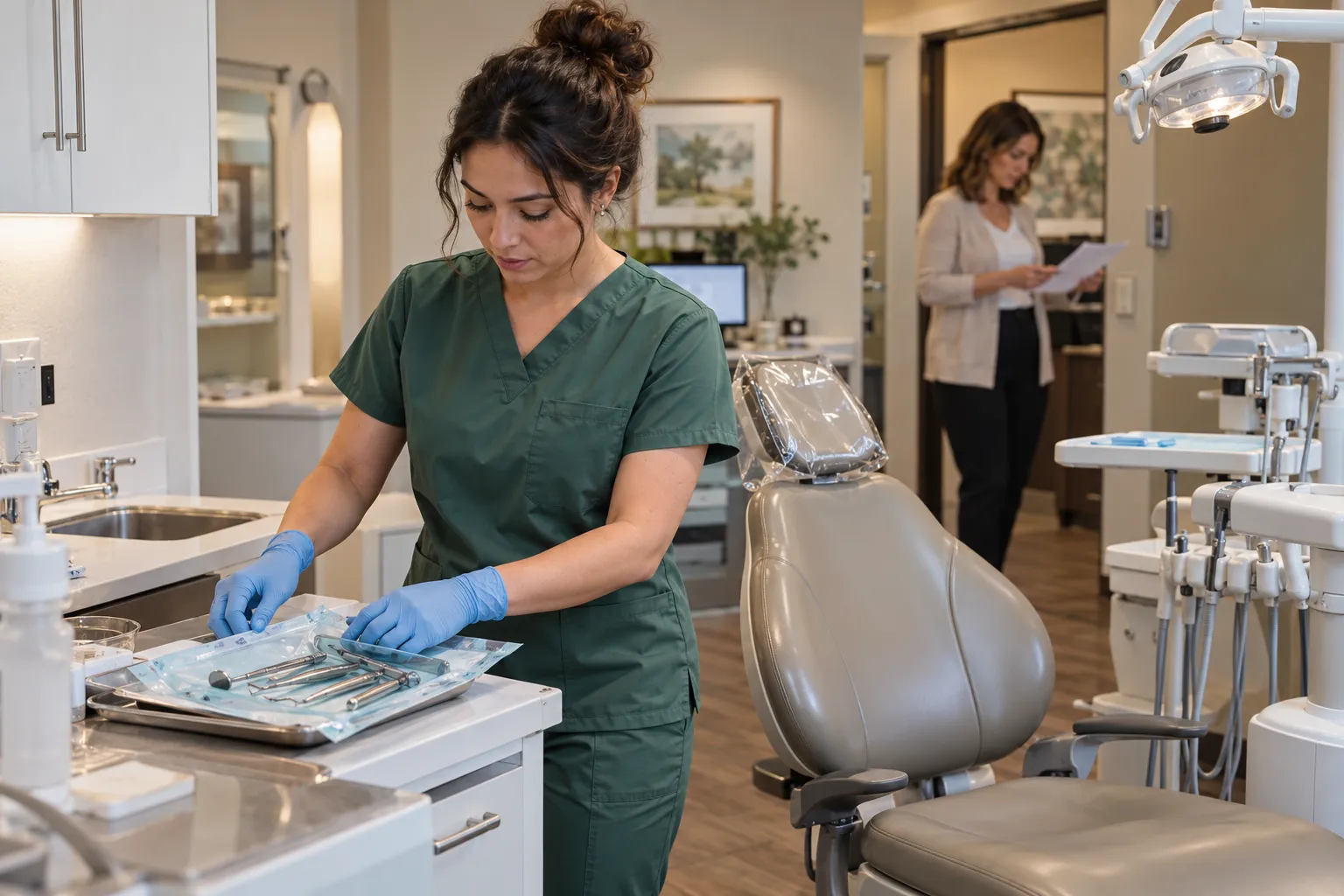
Administrative coordination, not diagnosis, treatment planning or clinical charting.
The work around the appointment
A question at the front desk should have somewhere to go.
A new inquiry needs a response. A callback needs an owner. Keep the administrative record and the next responsibility clear without suggesting that a general business record replaces a clinical chart.
Keep · Replace · Connect
Keep the systems that earn their place.
Keep your dental practice-management, clinical, imaging and payer systems where they are needed. Verify support for each administrative connection and the information your team may use.
Keep what works. Replace what does not. Connect the rest through The Forge.
Check current connector availability ↗- Dental practice-management software (Dentrix, Eaglesoft, Open Dental, etc.)
- Digital imaging and radiography systems
- Patient-payment and financing platforms
- Insurance verification services
- Online scheduling and patient-portal tools
- Reputation-management and review platforms
These are systems to discuss in your Fit Review, not a list of verified ready-to-connect integrations. Setup and provider support vary.
A business record, with the limits made clear.
Workflow illustration · not a product screen.
A request, the agreed work and the next person responsible. Review how shared customer records would support that handoff in your business.
- Find the customer’s details.
- Review the related work.
- Identify the next responsibility.
Shared business coordination, not a specialised clinical record or dental integration. No industry-specific product screen is shown.
Start with a practical administrative handoff.
A workflow to review for your business. Expand a step for its purpose and current availability.
Review the inquiry
Teams can track customers and other business records with per-field access controls. Your practice must determine the appropriate information and use.
Business records (CRM)Available
Check team coverage
Review employee roles and availability in the weekly schedule; this is not a clinical appointment or treatment system.
Native shift schedulingAvailable
Start with the work you need to connect.
Bring one job, customer question or repeated admin task. We’ll review who handles it, which tools you use and what The Forge can help you keep, replace or connect.
Review plans and current pricing before choosing. Features depend on plan, configuration, permissions and current availability.
Can we keep the systems we already use?
Keep what works. Replace what does not. Connect the rest through The Forge. Review current connector availability and your industry requirements in a Forge Fit Review.
What does this product example demonstrate?
Local demo capture · sample records. An interface illustration, not a live customer journey. Independent synthetic business records, not a dental patient record. Clinical charting, diagnosis, insurance claims and treatment outcomes are not demonstrated.
How do we choose the right starting plan?
Bring a real business handoff and the systems your team uses to a free Forge Fit Review. Check current pricing, plan features and availability before choosing a configuration.
Practice administration
Review requirements with your authorized team.
Review the detailed requirements, configuration and roadmap with your team. Not every described workflow is available today. Plan, provider and rollout limits apply; check current availability before relying on a feature.
Optional deep diveDetailed industry requirements
Roles, workflows, requirements and launch considerations for your team to review.
The business and its requirements
The phone rings while staff handle arrivals, insurance questions and another callback. The Forge connects administrative inquiries and follow-up responsibilities so the front office can see what needs a response. Clinical records and decisions stay in your practice’s clinical system. Coordinate new-patient inquiries, front-office follow-up and administrative work. Keep clinical care and practice-management responsibilities with the appropriate systems and authorized staff.
How can dental practices stop losing production to missed calls, unscheduled treatment, and inactive patients?
The Forge gives each patient one record that carries the lead source, appointment history, outstanding treatment, recall status, reactivation attempts, and communication history. Missed calls are returned within minutes, unscheduled treatment plans surface automatically for follow-up, recall outreach runs on a set schedule instead of a manual list, and the practice owner sees new-patient conversion, treatment acceptance, and chair utilization without pulling reports from three systems.
Management questions to review
New-patient conversion
Inquiries received versus appointments booked versus first visits completed, by source and month.
Unscheduled treatment value
Total dollar value of presented treatment plans that have not been scheduled, by provider and case type.
Recall effectiveness
Patients due for hygiene, patients contacted, and patients booked — with the reappointment rate over time.
Reactivation results
Inactive patients contacted, patients who returned, and production generated from reactivation efforts.
Chair utilization
Scheduled hours versus available hours by operatory, provider, and day of week — with no-show and cancellation rates.
Marketing ROI by source
New patients and first-visit production attributed to each marketing channel, not just clicks or calls.
Signs you're outgrowing your current setup
- The phone rings to voicemail during lunch and those callers never call back
- The treatment coordinator has no list of unscheduled treatment plans
- Recall outreach happens when someone has a slow afternoon, not on a schedule
- A patient who has not been seen in two years is only noticed when they call another practice for records
- The marketing agency reports clicks and impressions but cannot say how many became patients
- No-show slots are filled reactively — or not at all
- The practice owner asks for production numbers and waits for the office manager to run three reports
- The front desk spends two hours a day on confirmation calls that could be automated
- New-patient paperwork is still handled on a clipboard in the waiting room
Other places this industry loses time and margin
New-patient calls are missed during busy hours and never returned
Every missed call creates a callback task with the patient's information, and the front desk is alerted immediately. If the call is not returned within a configurable window, it escalates — so a potential new patient is never lost to a busy phone line.
See how The Forge fixes lead follow up →New-patient inquiries receive slow or inconsistent follow-up
Web forms, online scheduling requests, and referrals create a patient record and enter a same-day follow-up sequence — confirmation, welcome information, insurance verification prompt — so the first impression matches the clinical experience.
See how The Forge fixes lead follow up →Presented treatment plans sit unscheduled and invisible
Treatment plans that are presented but not scheduled surface on the follow-up queue with the case value, so the treatment coordinator can follow up on a $4,200 crown-and-bridge case instead of assuming the patient will call back.
See how The Forge fixes follow ups missed →No-shows and last-minute cancellations leave chairs empty
Appointment reminders run at configurable intervals — two days, same-day morning, one hour before — and cancelled or no-show appointments trigger a rescheduling workflow rather than an empty chair.
Recall patients drift away without systematic outreach
Patients due for hygiene are queued for outreach on a structured cadence — first reminder, second reminder, personal call prompt — so the recall list is worked consistently instead of when someone has time between patients (outbound reminders send once an email or SMS provider is connected).
See how The Forge fixes customer communication →Inactive patients are never reactivated
Patients who have not been seen in 12-plus months enter a reactivation sequence — personalized outreach, special-offer messaging, and a final outreach before the record is flagged dormant — turning an aging patient list into a revenue source.
Marketing spend cannot be tied to booked appointments or production
Patient source is captured at first touch and carried through to scheduled appointments and completed treatment, so the practice can see that Google Ads produced 18 new patients and $27,000 in first-visit production last quarter — not just 340 clicks.
See how The Forge fixes performance visibility →The front office is the bottleneck for everything
Reminders, recall outreach, follow-up sequences, and new-patient onboarding are queued and tracked automatically, cutting the repetitive communication that otherwise requires a front-desk team member on the phone for hours each day (outbound messages send once an email or SMS provider is connected).
Workflow and automation details
Example workflows
- 1
Inquiry to scheduled new patient
A new-patient inquiry — phone call, web form, or referral — creates a patient record, triggers same-day follow-up, queues welcome information and an insurance-verification prompt (it sends once an email or SMS provider is connected), and books the first appointment. One thread from first contact to chair.
- 2
Treatment presentation to scheduled case
A treatment plan is presented; if the patient does not schedule before leaving, the case enters a follow-up sequence. The treatment coordinator sees the outstanding case value and follows up with the patient until the case is scheduled, declined, or escalated.
- 3
Recall due to hygiene appointment
A patient due for hygiene is queued for outreach on a set schedule (it sends once an email or SMS provider is connected). If the first reminder does not produce a booking, the second and third follow, and a personal-call task is created for the front desk — so the recall list shrinks steadily instead of piling up.
- 4
Reactivation to returning patient
A patient inactive for 12-plus months enters a reactivation sequence with personalized messaging. If the patient responds, they are booked; if not, a final outreach runs before the record is flagged dormant, so the practice recaptures revenue from its own existing base.
What may be replaced, and what stays
What The Forge may replace
Tools and manual processes that may no longer be necessary.
- Manual recall lists maintained in spreadsheets or on paper
- Disconnected patient-communication tools
- Separate new-patient tracking outside the PMS
- Marketing dashboards that show clicks but not patients
- Front-desk reminder call scripts and paper logs
- Treatment-plan follow-up tracked in a notebook
What The Forge may integrate with
Systems you keep — The Forge becomes the layer above them.
- Your dental practice-management software
- Your patient-payment and financing platform
- Your insurance verification service
- Your online scheduling or patient-portal tool
- Your reputation-management platform
Illustrative week — not customer results
A two-doctor general-dentistry practice with seven operatories
Illustrative example, not a demonstrated automatic workflow or customer result. A prospective patient fills out the website contact form at 9pm on a Tuesday. By 8:15am Wednesday, the front desk has a task with the patient's information, and a welcome message with a link to complete new-patient forms and upload insurance information is queued for the patient (it sends once an email or SMS provider is connected). The appointment is booked for the following Monday. After the first visit, the dentist presents a treatment plan — two crowns and a deep cleaning, total case value $3,800. The patient says they will think about it. Three days later, the treatment coordinator receives a follow-up task; she calls, answers the patient's insurance question, and schedules the first crown for next month. Meanwhile, the recall engine identifies 127 patients overdue for hygiene this month and queues the first round of reminders; 68 patients book after being reached. The remaining 59 are queued for a second reminder the following week. Fourteen patients inactive for more than 18 months are queued for a reactivation message with a same-week availability offer — three respond and book. On the first of the month, the practice owner opens one dashboard: 23 new patients seen (14 from Google, 5 from referrals, 4 walk-ins), $41,000 in unscheduled treatment outstanding, hygiene reappointment rate at 82%, and the Google Ads campaign produced $18,200 in first-visit production against $2,400 in ad spend — no spreadsheet required.
Explore by the problem you feel most
We are losing leads
Inquiries arrive, then scatter across an inbox, a phone, and someone's memory. The follow-up that would have closed the job never happens.
ExploreFollow-ups depend on someone remembering
Post-service check-ins, policy renewals, treatment reminders, re-enrollment nudges — every one of them happens only if a specific person remembers on a specific day. When they are busy, it does not happen.
ExploreCustomer communication is fragmented
One customer texts the owner, emails the office, and calls the tech — and none of those threads sit in the same place. The next person to pick up the conversation has no idea what was already said.
ExploreWe discover problems after the damage is done
A missed deadline, a lost customer, a cost overrun — management learns about each one after it has already happened, when the only option is to absorb the loss and hope someone caught the next one.
ExploreDental Practices — questions
Bring the front-office task that keeps coming back.
Ask about dental practices
Ask The Forge is an AI assistant. Answers are generated from published Forge information and may be incomplete. Do not submit confidential, regulated, or customer-specific information.