
Weekend and program serving
Review open roles, the people responsible for them and the confirmations still needed. Native volunteer matching and automatic confirmations remain retained requirements until verified.
Proposed workflowSee who needs a welcome, who is serving this weekend, and which follow-ups need a hand. Keep sensitive ministry and donor records in the systems and permission boundaries approved for them.
Guests, volunteers and community-program participants should not have to repeat their story because a note stayed on a desk or in one person’s inbox.
A guest asks for a next step.Someone needs to own the response.
A serving role is still open.The coordinator needs to see the gap before the weekend.
A care request is sensitive.Only the right people should see and handle it.
Proposed workflow. Review this handoff in a Fit Review. No church-specific product demonstration is shown.
The current product evidence supports shared contact records. Church-specific follow-up, volunteer and care permissions still require account and workflow verification.
Available
Card receivedRecord the guest’s contact details and the reason they asked to hear from you.
Follow-up assignedGive the next contact to a named coordinator, with a date and a clear purpose.
Outcome recordedRecord whether the guest was reached and what the next authorized step should be.
Review open roles, the people responsible for them and the confirmations still needed. Native volunteer matching and automatic confirmations remain retained requirements until verified.
Proposed workflowAssign a care request only within approved permissions. Confidential pastoral notes, child handovers and donor records need their own verified authorization journeys.
Under evaluationKeep the service plan, giving platform and specialist ministry tools that already carry the official record. Review any handoff before calling it connected.
Connection review requiredUse The Forge to review shared contact and follow-up work where it fits. Keep giving, accounting, worship planning, child check-in and confidential care in their approved systems until a supported connection and permission model are verified.
Keep what works. Replace what does not. Connect the rest through The Forge.
Check current connector availability ↗These are systems to discuss in your Fit Review, not a list of verified ready-to-connect integrations. Setup and provider support vary.
Bring one job, customer question or repeated admin task. We’ll review who handles it, which tools you use and what The Forge can help you keep, replace or connect.
Review plans and current pricing before choosing. Features depend on plan, configuration, permissions and current availability.
Keep what works. Replace what does not. Connect the rest through The Forge. Review current connector availability and your industry requirements in a Forge Fit Review.
Bring a real business handoff and the systems your team uses to a free Forge Fit Review. Check current pricing, plan features and availability before choosing a configuration.
Ask about churches & nonprofits
Ask The Forge is an AI assistant. Answers are generated from published Forge information and may be incomplete. Do not submit confidential, regulated, or customer-specific information.
Detailed historical scope remains available for planning. It does not turn proposed church workflows into released product behavior.
It depends on what your ChMS actually does for you. If it primarily tracks people, groups, and communication, The Forge replaces it. If it handles specialized functions like sermon planning, worship scheduling, or facility booking, those tools stay and integrate with The Forge for the people and engagement layer.
The Forge integrates with your giving platform so donation data flows into the person record for acknowledgments, stewardship workflows, and reporting. The giving platform continues to handle payment processing and tax compliance.
Yes. Communication audiences are built from any combination of attributes on the person record — campus, group membership, volunteer role, giving history, event attendance — so messages reach the right people without maintaining separate mailing lists.
Pastoral care notes can be restricted to designated staff roles so sensitive information is visible only to pastors and authorized care team members, not to every volunteer or administrator with system access.
Check current product availability ↗
Review the detailed requirements, configuration and roadmap with your team. Not every described workflow is available today. Plan, provider and rollout limits apply; check current availability before relying on a feature.
Roles, workflows, requirements and launch considerations for your team to review.
A visitor needs a welcome, a program needs volunteers and a facility needs work before the weekend. The Forge connects people’s records, follow-up and assigned tasks so coordinators can see who needs help and what remains to do. Bring visitor follow-up, program responsibilities and administrative work into a shared plan. Keep your giving and accounting tools while coordinating the people who make the programs happen.
How can churches and nonprofits stop losing people in the gaps between systems and staff transitions?
The Forge gives each person one record that carries their involvement — visitor history, group membership, volunteer roles, giving summary, event attendance, and communication preferences. Staff give each first-time visitor a follow-up owner and due date, volunteer scheduling is visible to coordinators instead of living in text threads, donation acknowledgments are queued without manual intervention (they send once an email or SMS provider is connected), and leadership sees engagement trends and program health without compiling spreadsheets.
Visitor retention rate
How many first-time visitors return for a second and third visit, and how many connect into a group or program.
Volunteer fill rate
Open volunteer needs versus confirmed commitments, by ministry and time period.
Giving trends
Total giving, average gift size, new donors, lapsed donors, and giving against budget — by fund, campaign, and time period.
Program engagement depth
How many people are connected to one, two, or three-plus programs, and which programs have growing versus declining participation.
Pastoral care load
Open care requests, average response time, and caseload distribution across pastors and care team members.
Communication reach
Message open rates, response rates, and unreachable contacts by communication channel and audience segment.
First-time visitors are not followed up on within the week
A visitor record is created at check-in or through a connection card, and a follow-up sequence — personal message, small-group invitation, second-visit prompt — is queued automatically (it sends once an email or SMS provider is connected) so no visitor is forgotten after their first Sunday or event.
See how The Forge fixes follow ups missed →Donor records, program rosters, and volunteer lists are maintained in separate systems with no shared view
One person record carries giving history, program participation, volunteer roles, and communication — so a staff member seeing a donor also sees their small-group involvement and volunteer commitments without switching systems.
See how The Forge fixes software fragmentation →Volunteer coordination runs on spreadsheets, group texts, and personal memory
Volunteer roles, availability, scheduling, and confirmations are managed on the person record, with automated reminders and easy swaps — so coordinators stop sending 'Can someone cover Sunday?' texts at 10pm Saturday.
See how The Forge fixes customer communication →Programs operate in silos and leadership cannot see cross-program engagement
Every program, ministry, class, and event attaches to the same person record, so leadership sees who is deeply connected across multiple programs and who has drifted to a single touchpoint.
Donation acknowledgments are delayed or inconsistent
Giving data flows into the person record and queues timely acknowledgments — tax receipts, thank-you messages, milestone recognitions — without staff manually matching gifts to names (they send once an email or SMS provider is connected).
See how The Forge fixes manual reporting →When a pastor, director, or key volunteer leaves, relationships are lost
Every interaction, note, pastoral conversation summary, and commitment lives on the person record — not in a departed staff member's email or notebook — so the next person inherits full context.
Event registration and attendance tracking are disconnected from people records
Event sign-ups, check-ins, and attendance history tie to the person record, so a church can see not only who attended an event but how that attendance fits into the person's overall engagement arc.
Van and bus pickups for Sunday services and events are arranged by phone and sign-up sheet
Riders are linked to their family or member record, with pickup and drop-off addresses. Stops are planned from each rider's location. The driver marks each rider boarded, dropped off, or absent on a manifest. Any rider not marked dropped off is flagged to the ministry leader. Youth trips use the same roster. Text updates stay off until an Owner turns them on and texting is set up.
A first-time visitor fills out a connection card or checks in digitally. A staff member sets a follow-up date and reviews a personal message (it sends once an email or SMS provider is connected). Over the next few weeks, queued invitations to a newcomer class, small group, or volunteer opportunity guide them from anonymous attendee to connected participant — with each touchpoint tracked on their record.
A ministry leader posts a need, available volunteers are matched by skills and schedule, confirmations are requested automatically, and the coordinator sees the filled and open slots in one view — no group-text chains required.
A donation is recorded on the person record, a timely thank-you is queued (it sends once an email or SMS provider is connected), and milestone triggers — first gift, increased giving, lapsed giving — initiate appropriate stewardship responses from the right staff member.
A care request — hospital visit, bereavement, counseling referral — is documented on the person record, assigned to a pastor or care team member, and tracked to completion so nothing falls through during busy seasons.
Enroll riders for Sunday services, events, and youth trips with pickup and drop-off addresses. Plan stops in order from each rider's location. The driver works from a manifest to mark each rider boarded, dropped off, or absent. Any rider not marked dropped off at the end of the run raises an alert to ministry staff.
Tools and manual processes that may no longer be necessary.
Systems you keep — The Forge becomes the layer above them.
A 600-member church with two campuses and a community food pantry
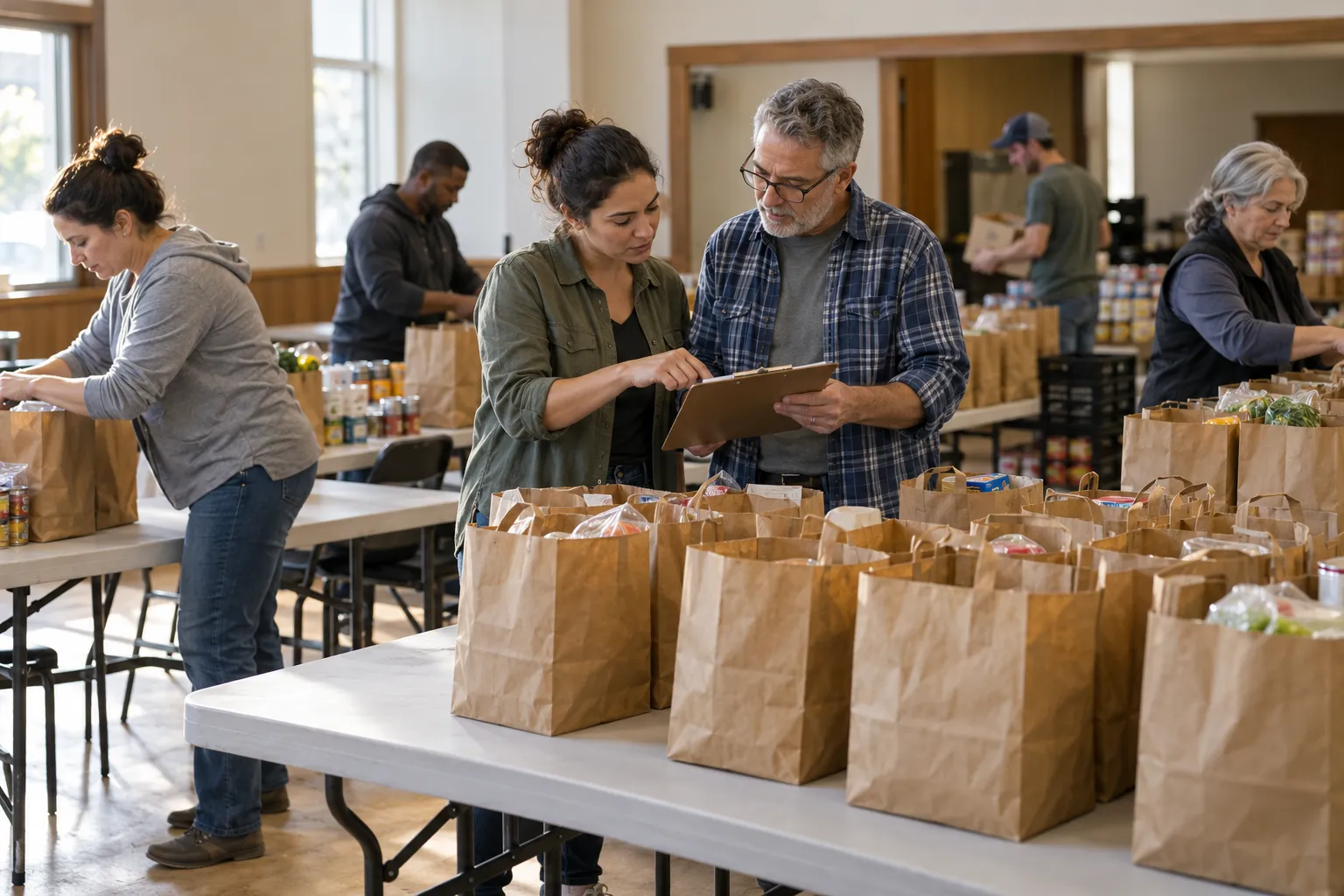
Illustrative example, not a demonstrated automatic workflow or customer result. A family visits the east campus on Sunday. Their connection card creates a family record, and by Tuesday a personal message from the campus pastor and an invitation to the next newcomer lunch are queued (they send once an email or SMS provider is connected). Two weeks later, the mother signs up to volunteer at the food pantry — her availability, background-check status, and scheduled shifts are visible to the volunteer coordinator without a separate spreadsheet. When the family makes their first online gift, the record connects giving to the same profile, and an automatic thank-you is queued within 24 hours. Three months in, the father mentions a family health concern to a small-group leader; the pastoral care request is documented, assigned to a pastor, and tracked to follow-up. Meanwhile, the executive pastor opens one dashboard on Monday: visitor retention is at 38% this quarter, volunteer fill rate for the food pantry is 94%, giving is 4% above budget, and three care requests are awaiting follow-up — all without a single hand-compiled report.
Post-service check-ins, policy renewals, treatment reminders, re-enrollment nudges — every one of them happens only if a specific person remembers on a specific day. When they are busy, it does not happen.
ExploreOne customer texts the owner, emails the office, and calls the tech — and none of those threads sit in the same place. The next person to pick up the conversation has no idea what was already said.
ExploreFive to twelve apps that each do one thing, none of them talk to each other, and the office spends half its day copying data between screens to keep them all in sync.
ExploreEvery week someone exports data from three to five systems, pastes it into the same spreadsheet, fixes the column headers, and presents numbers that are already stale by the time the meeting starts.
Explore